Managing Clients & Related Assets
Creating & Editing Client Information
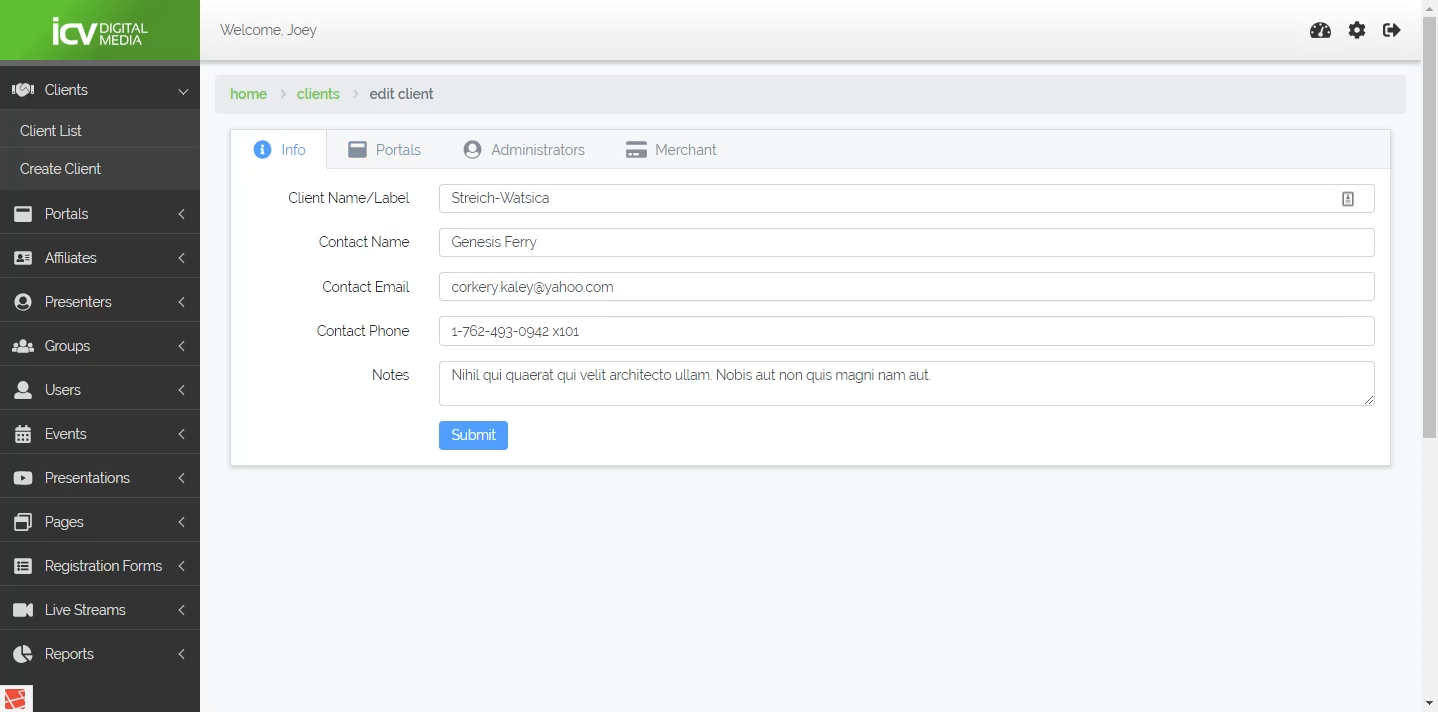
When creating a client, provide basic information. Such as client name, contact name, contact email, contact phone, and any additional notes relevant to this client.
TIP
The email provided here will serve as the primary contact for any notifications and alerts sent by the V3Plus system. For example, "Support" emails sent from this client's portals will be CC'd to the client email address. Further, payment notfication emails and general portal and event status emails may be send to this email address as well.
Managing Portals
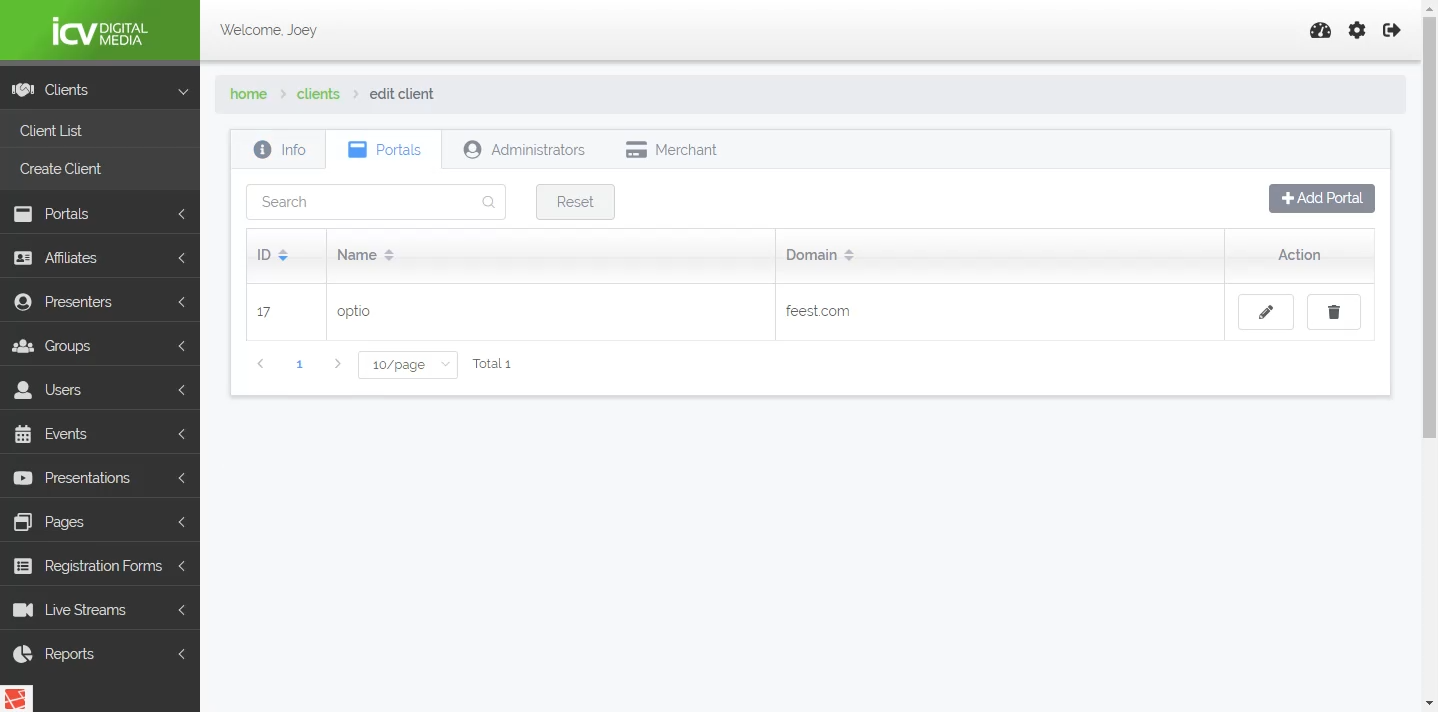
You have access to basic adminstrative functions inside the client admin.
Managing Administrators
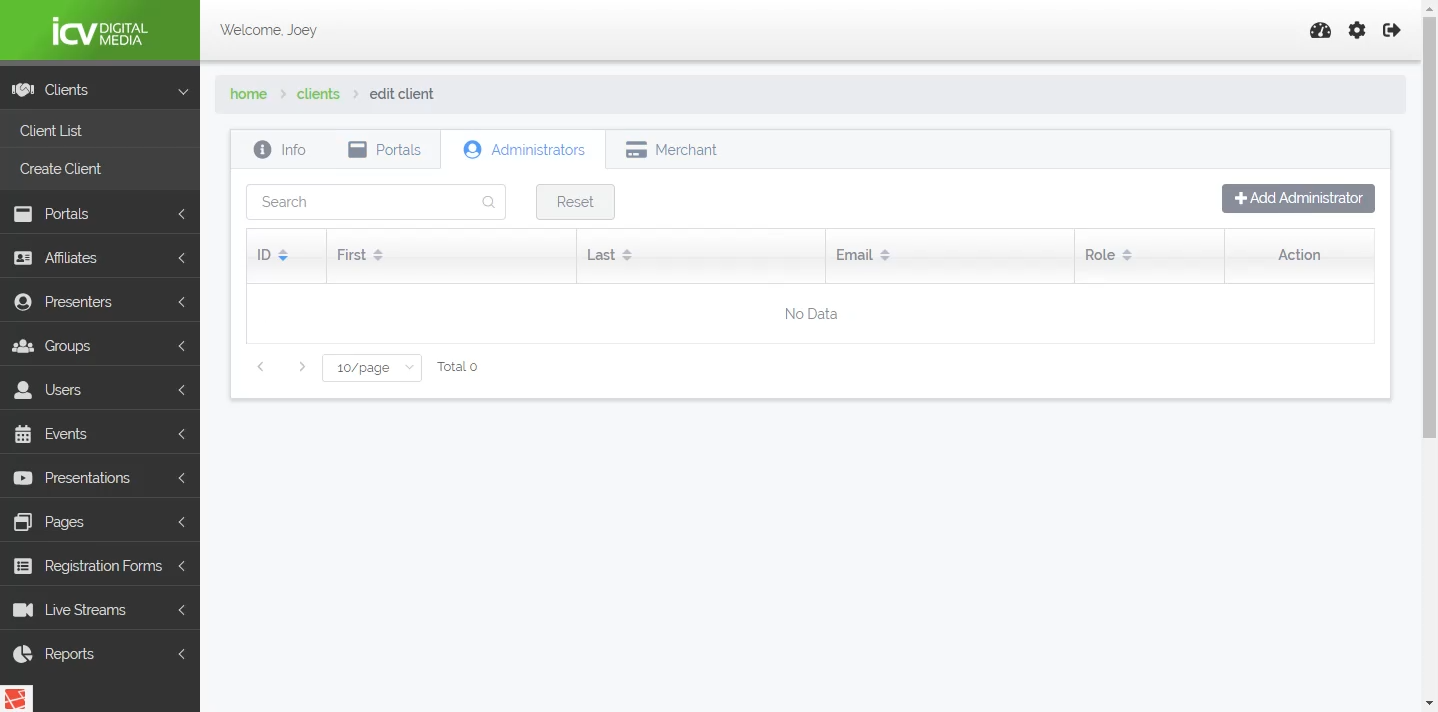
You have the ability to manage administrative users for a given client.
Merchant & Payment Information
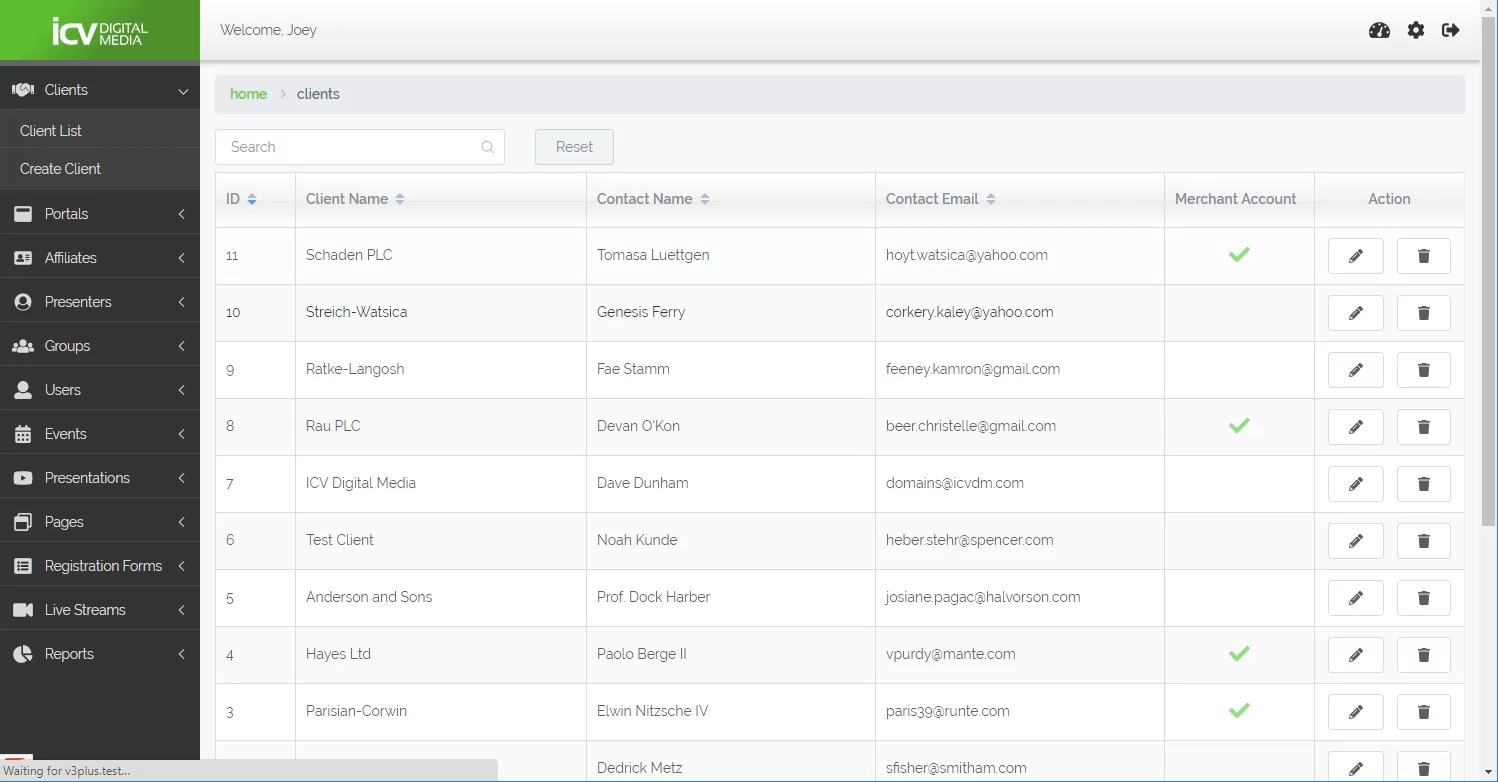
Viewing the status of a client's merchant account, as well as setting up a client's merchant account is available from this admin.
Live Streams
More details to come....